Print shop guide
Pop-up exhibition displays in Inverness with panel joins designed in
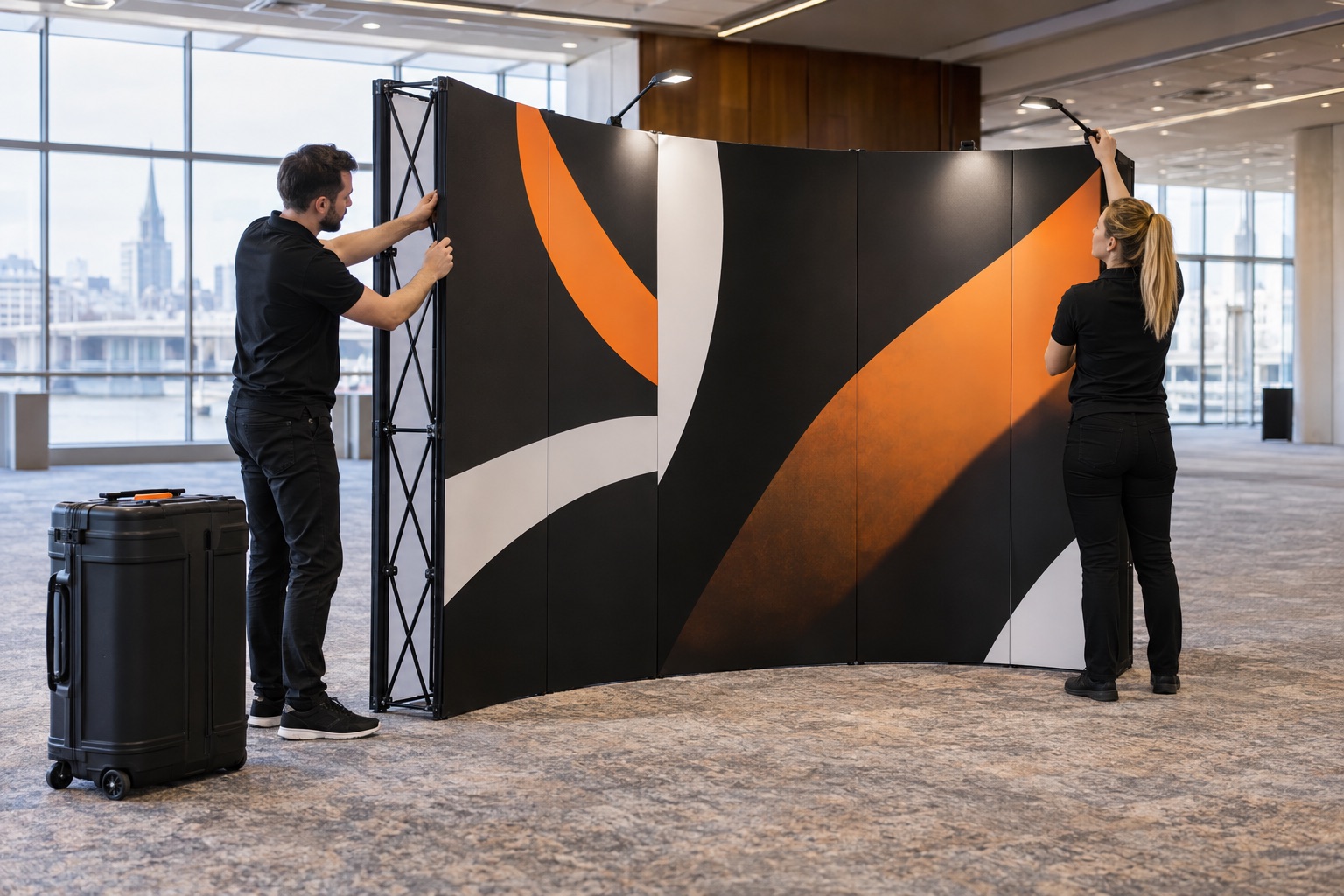
A continuous artwork file becomes several physical panels when a pop-up display is produced. Inverness exhibitors can protect faces, logos and fine detail by treating those joins as part of the layout from the beginning.
Map the joins. Protect key details. Review the assembled view.
- Overlay the correct panel guides before placing content
- Keep faces and small logos away from joins and curves
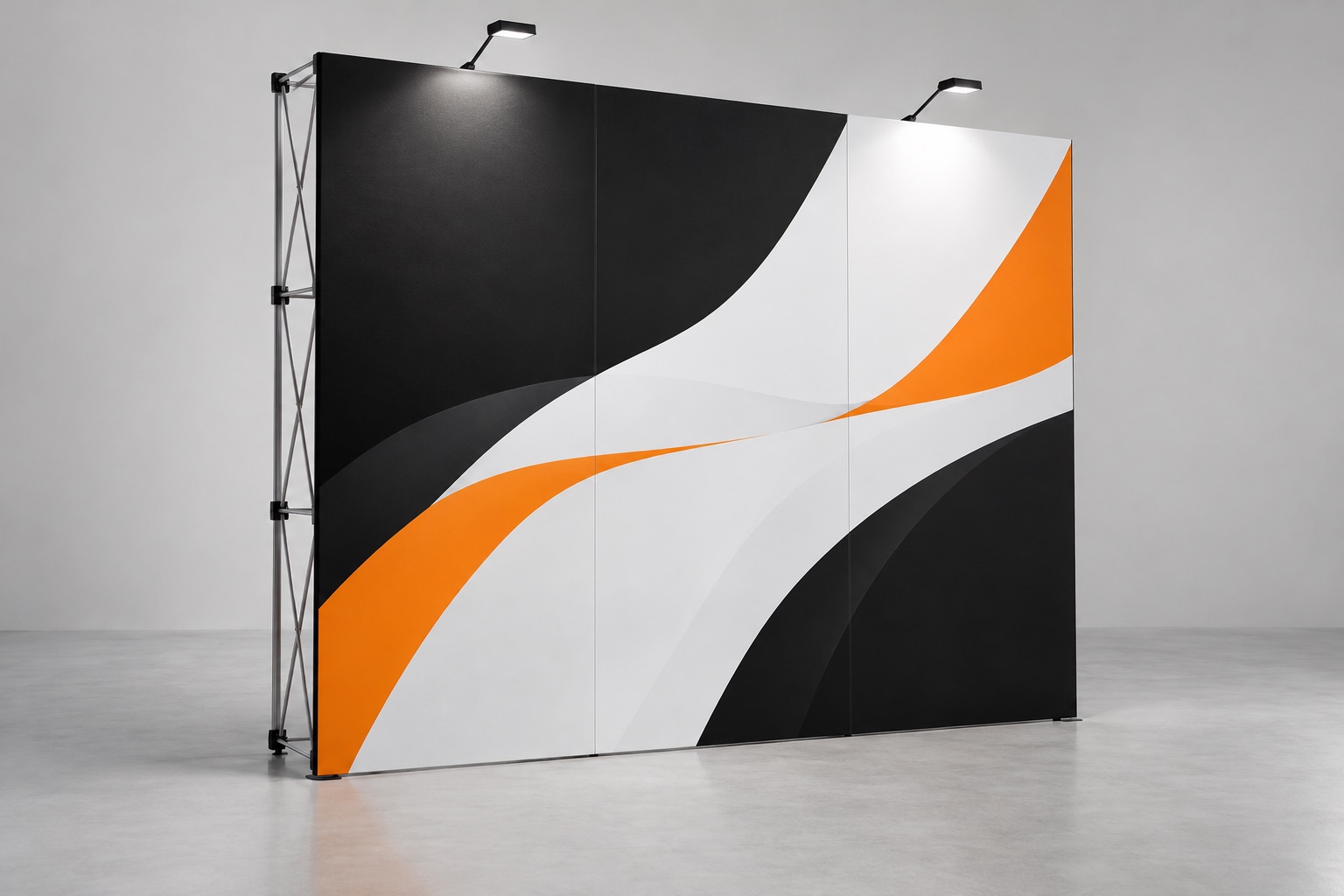
- Allow continuous backgrounds to cross panels naturally
- Approve both individual panels and the assembled display
Build the artwork on the correct production template
Use the specification for the exact display size and configuration. Mark panel boundaries, visible areas and any curved returns. Do not assume an older template matches a newly selected system.
Choose what may cross a join
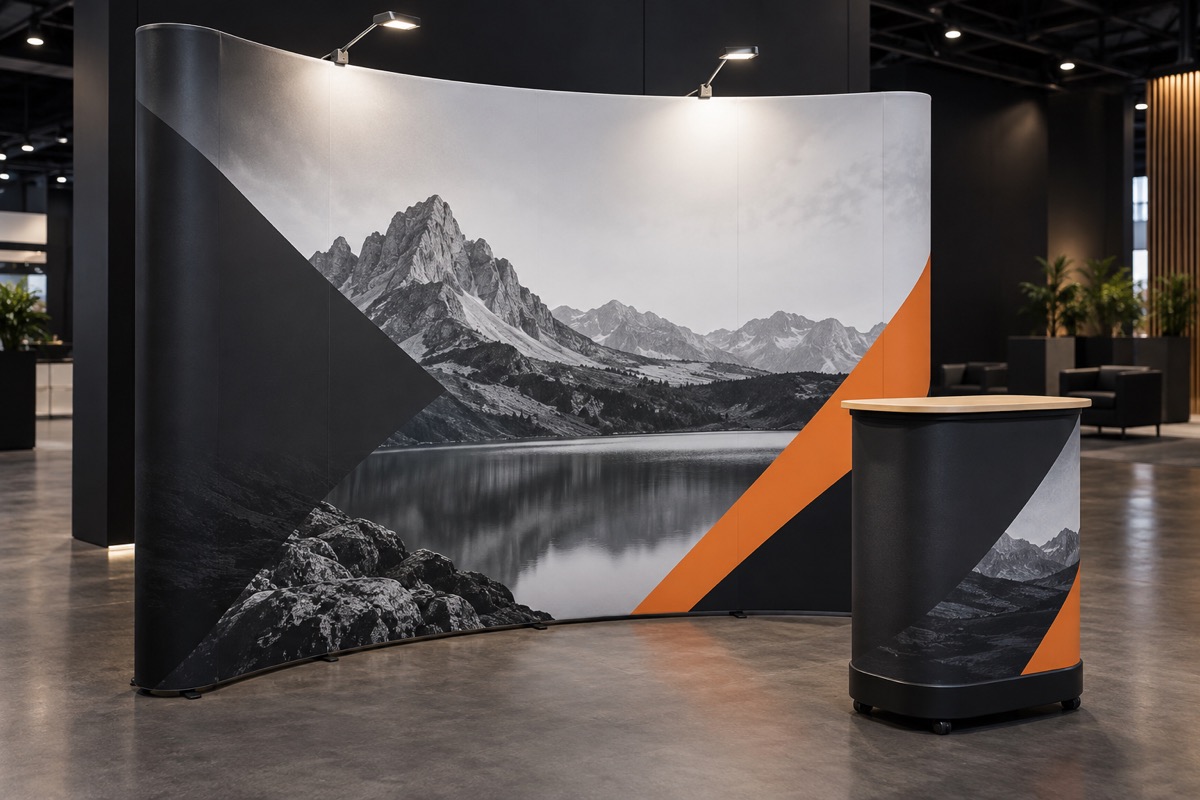
Large background shapes and open photographic areas can often continue across panels. Fine text, facial features, product edges and small marks are less forgiving. Move those elements into a safe area rather than relying on perfect alignment during every setup.
Order a panel-safe pop-up display online
Account for the curve and viewing angle
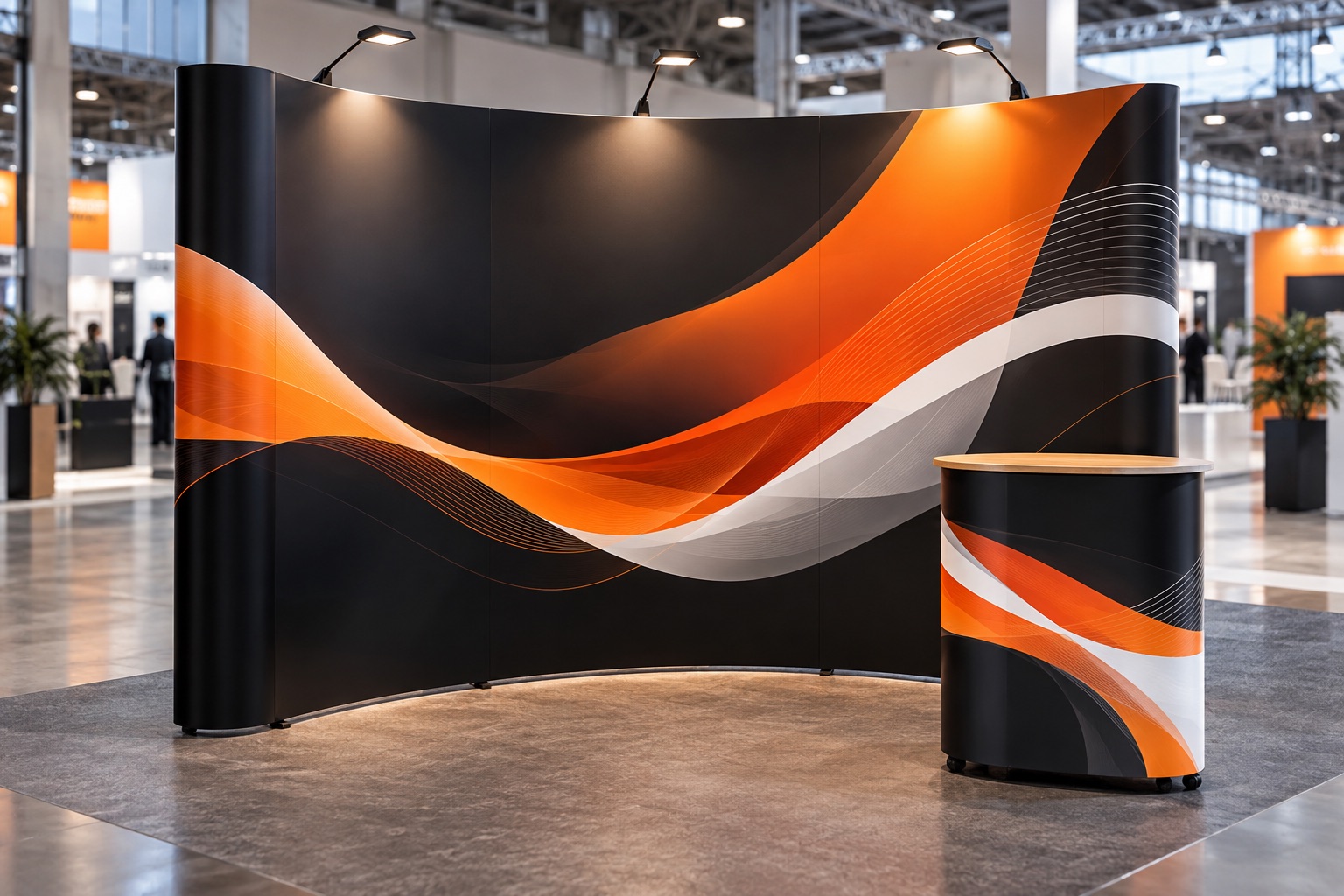
Content on outer return panels may be seen obliquely or hidden from a front-facing photograph. Keep the main proposition, identity and call to action on the strongest central viewing area.
Proof the complete assembled composition
Review panel files individually for resolution and bleed, then inspect a joined mock-up for continuity. Check that lines do not appear to jump and that a subject is not split awkwardly between sections.
Keep the approved panel order with the kit
Name and number every file and finished panel consistently. Inverness teams should retain an assembly reference so the display can be rebuilt in the intended order at future events.
Product questions
Can text cross a pop-up display panel join?
It is safer to keep small text and logos away from joins. Continuous backgrounds are generally more tolerant of minor setup variation.
Why are the outer panels treated differently?
Returns and curves can change the viewing angle, so key information belongs in the stronger central area.
How should panel files be named?
Use a clear left-to-right numbering system that matches the production template and the physical assembly instructions.
Ready to order a pop-up display in Inverness?
Upload the checked panel artwork, choose the display specification and order online. Smiths 1972 can help review joins and file setup.